
Website Privacy Policy Template in 2026: 7 Checks Before You Publish It
A useful guide to website privacy policy template should help readers understand both the rule and the behavior behind the rule. That is where consent topics become genuinely practical instead of sounding like recycled compliance copy.
The practical review for website privacy policy template starts when you look past the banner copy and test the live behavior. That is usually where teams find the real gaps: tags firing too early, weak refusal flows, and settings that drift after routine site changes.
That matters because the official baseline is still clear. California’s Department of Justice says a notice at collection must appear at or before the point where personal information is collected and must link to the business’s privacy policy, where consumers can get a fuller explanation of privacy practices and rights. The GDPR’s official text still requires privacy information to be concise, transparent, intelligible, and easy to access. WordPress’s own privacy documentation also reminds site owners that themes and plugins can contribute suggested privacy-policy text, which means template copy often becomes inaccurate if nobody checks what the stack is really doing.
If you want nearby context first, start with these guides to privacy policy template, privacy policy for website, and website privacy checker. This page stays focused on the moment a website privacy policy template moves from draft text into a live site.
If your team is trying to get website privacy policy template under control without adding a heavyweight privacy stack, DataShyre can help. DataShyre focuses on consent and preference management that are easier to implement, easier to operate, and easier to trust on a live site. Start with DataShyre’s consent and preference management or book a demo.
If your team is using a website privacy policy template because the real stack has already outgrown guesswork, DataShyre can help connect the template to the underlying systems. Our work around data mapping, consent management, and DSR automation is aimed at exactly that handoff. If you want the short version, book a demo.
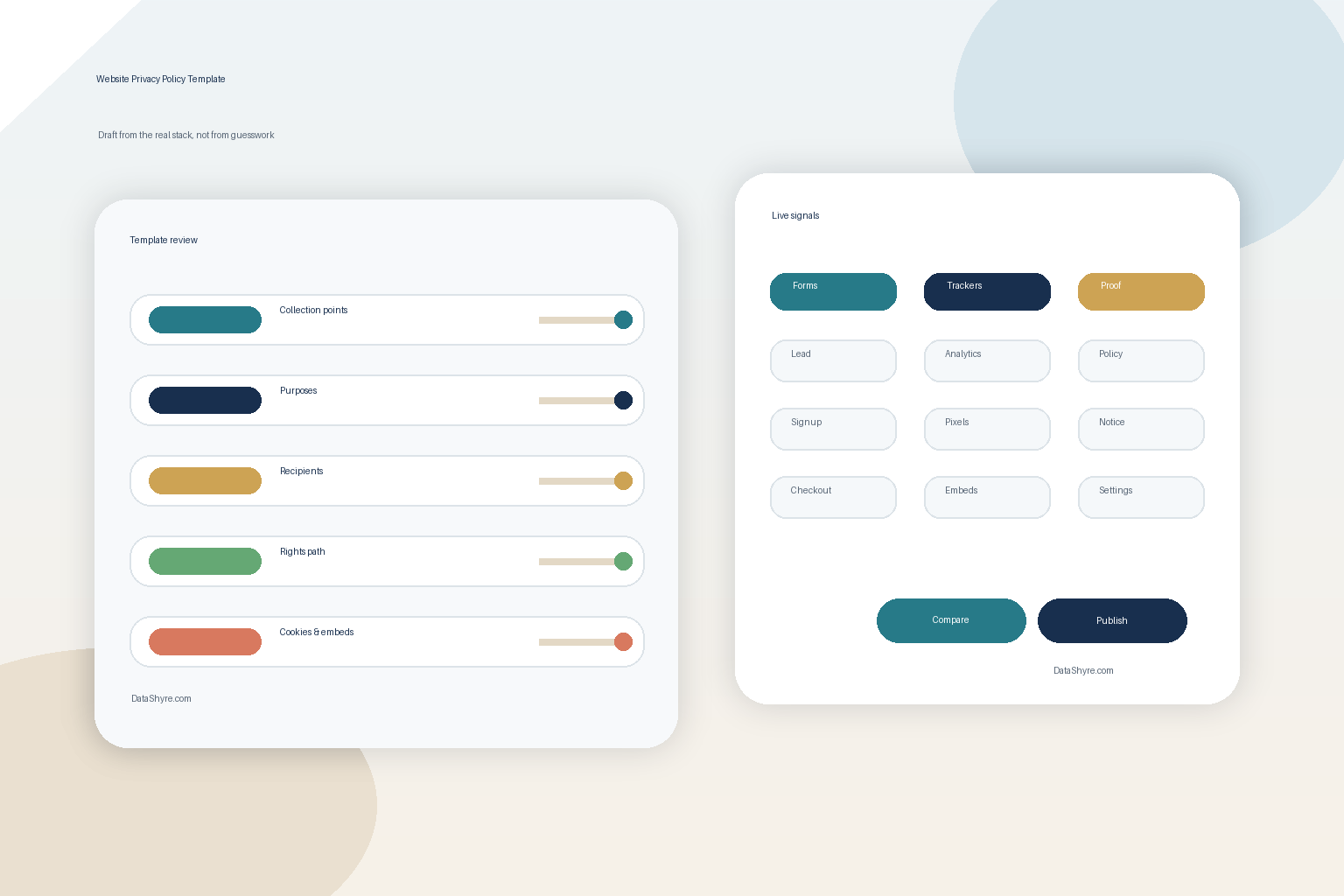
1. Start the website privacy policy template with the live collection map
The biggest website privacy policy template failure happens before anyone edits the first sentence.
Teams start with the page instead of the data map.
That usually produces generic wording while the live site is collecting information through:
- demo or contact forms;
- newsletter signup flows;
- account creation and login;
- analytics and ad-tech tags;
- chat widgets or scheduling embeds;
- support tooling; and
- mobile or app-linked experiences.
The ICO’s current drafting guidance says you should know what personal data you have and what you do with it before you draft privacy information. That is the right starting point for any website privacy policy template review. If the live inventory is incomplete, the template will be incomplete too.
Before publishing a template, build a current map of:
- what categories of personal data the site collects;
- where each category is collected;
- why it is used;
- which teams or vendors receive it;
- how long it is kept; and
- what controls or rights can change its downstream use.
The map is the source of truth. The template is only the explanation layer.
2. Make the template answer the questions regulators still care about
A good website privacy policy template should help a normal person answer practical questions without forcing them to decode legal filler.
California DOJ’s CCPA guidance says the privacy policy should give a broad picture of collection, use, sharing, and sale practices and include information on consumers’ privacy rights and how to exercise them. The GDPR’s Articles 12, 13, and 14 still push toward the same outcome from a different direction: clear disclosure of the controller, purposes, legal basis where relevant, recipients, retention, and rights.
So a working website privacy policy template usually needs clean sections for:
- who operates the website and how to contact them;
- what categories of personal data are collected;
- where the data comes from;
- why each category is used;
- the legal basis where GDPR or UK GDPR applies;
- who receives the data or what categories of recipients receive it;
- how long data is kept or how the period is decided;
- what rights the person has; and
- how to submit a privacy or rights request.
If those blocks are missing, the website privacy policy template is usually too thin for 2026.
3. Treat point-of-collection notices and the template as one system
One reason a website privacy policy template fails in production is that the policy page is drafted in isolation from the places where data is actually entered.
California DOJ’s current explanation of notice at collection says the notice must appear at or before collection and include a link to the privacy policy. In real deployments, that means your site may need both:
- a fuller privacy-policy page; and
- shorter just-in-time or point-of-collection disclosures near forms, signups, checkout, or account creation.
The ICO makes the same practical point in its transparency guidance: adapt the notice to the context, keep it easy to access, and link directly to fuller information when needed.
That should change how you deploy a website privacy policy template. Instead of asking only whether the footer page exists, ask whether the form, popup, registration path, or mobile screen that actually collects the data gives the person enough context at the moment of collection.
4. Give cookies, pixels, and embedded tools their own honest section
Many weak website privacy policy template drafts still hide cookies and tracking inside vague language about usage information.
That is rarely enough.
If the site uses cookies or similar technologies, the template should make room to explain:
- what technologies are used;
- whether they are necessary, analytics, advertising, or embedded-third-party tools;
- whether another party receives information through them;
- how banner, preference-center, or browser choices affect them; and
- where a user can review or change those settings later.
This does not mean the main policy page has to become a giant tracker table. It does mean the website privacy policy template should not pretend the site only collects information through visible forms if the live page is also running analytics scripts, marketing pixels, video embeds, or chat tools.
If that branch needs tightening, our website privacy checker and cookie policy guides are the better next steps because they focus on runtime behavior as well as page copy.
5. Make the rights section actionable, not decorative
This is where a lot of website privacy policy template pages look compliant while the real user experience falls apart.
Listing rights is the easy part. Explaining how a person can actually use them is the harder part.
California DOJ tells consumers to use the business’s privacy policy to understand their rights and how to exercise them. The official pages still point to rights such as knowing, deleting, correcting, opting out of sale or sharing, limiting certain sensitive-personal-information uses, and non-discrimination where the law applies.
That means a practical website privacy policy template should explain:
- which rights apply in the relevant jurisdictions;
- how a person submits a request;
- whether there is an account-settings route as well as a public route;
- how opt-out or preference controls appear on the site or app;
- whether browser-based signals such as Global Privacy Control are honored where applicable; and
- where the person can go if the first path fails.
The enforcement lesson is current, not theoretical. On October 29, 2026, California Attorney General Rob Bonta announced a $1.8 million settlement with Lyft and said consumers had to detour through the privacy policy and extra steps instead of getting an in-app opt-out path. That is a useful reminder that a rights section can exist on paper while the real journey is still broken.
6. Check the template against vendor promises and WordPress-generated suggestions
A website privacy policy template becomes risky when it describes a business that no longer exists.
This often happens after:
- a new CRM or analytics tool is added;
- a chat widget or scheduler is embedded;
- a payment or fraud vendor is changed;
- a plugin starts collecting or sharing more data; or
- a marketing workflow begins sending data to new destinations.
WordPress’s official privacy documentation says the Editing Helper can assemble starter privacy text from WordPress core, themes, and plugins. That is useful, but it is only a draft aid. A plugin’s suggested paragraph does not verify that your public page still matches the current configuration, the enabled features, or the real vendor relationships.
So before you approve a website privacy policy template, compare it against:
- your tag manager and analytics destinations;
- plugin and theme privacy suggestions;
- CRM, support, and scheduling tools;
- payment and fraud vendors;
- embedded media or social widgets; and
- any ad-tech or affiliate tools still active in production.
If your team needs help reconciling those moving parts, DataShyre can help connect the policy layer to the systems behind it through data mapping and consent-management implementation support.
7. Turn the website privacy policy template into a release trigger, not a yearly chore
California’s guidance says privacy policies should be updated at least once a year. That is a floor, not a strategy.
The ICO’s current guidance says you should keep privacy information under review and update it before starting a new processing purpose, then bring the change to people’s attention where appropriate.
So the better website privacy policy template workflow is to recheck the page whenever:
- a new form or account field is launched;
- a new pixel, SDK, or embed goes live;
- a new processor or marketing vendor is onboarded;
- a new region or rights workflow is added;
- a retention rule changes; or
- the consent, opt-out, or settings path changes.
That is the difference between a policy that is merely published and one that stays defensible.
A practical 7-step review for this week
If I were approving a website privacy policy template this week, I would use this order:
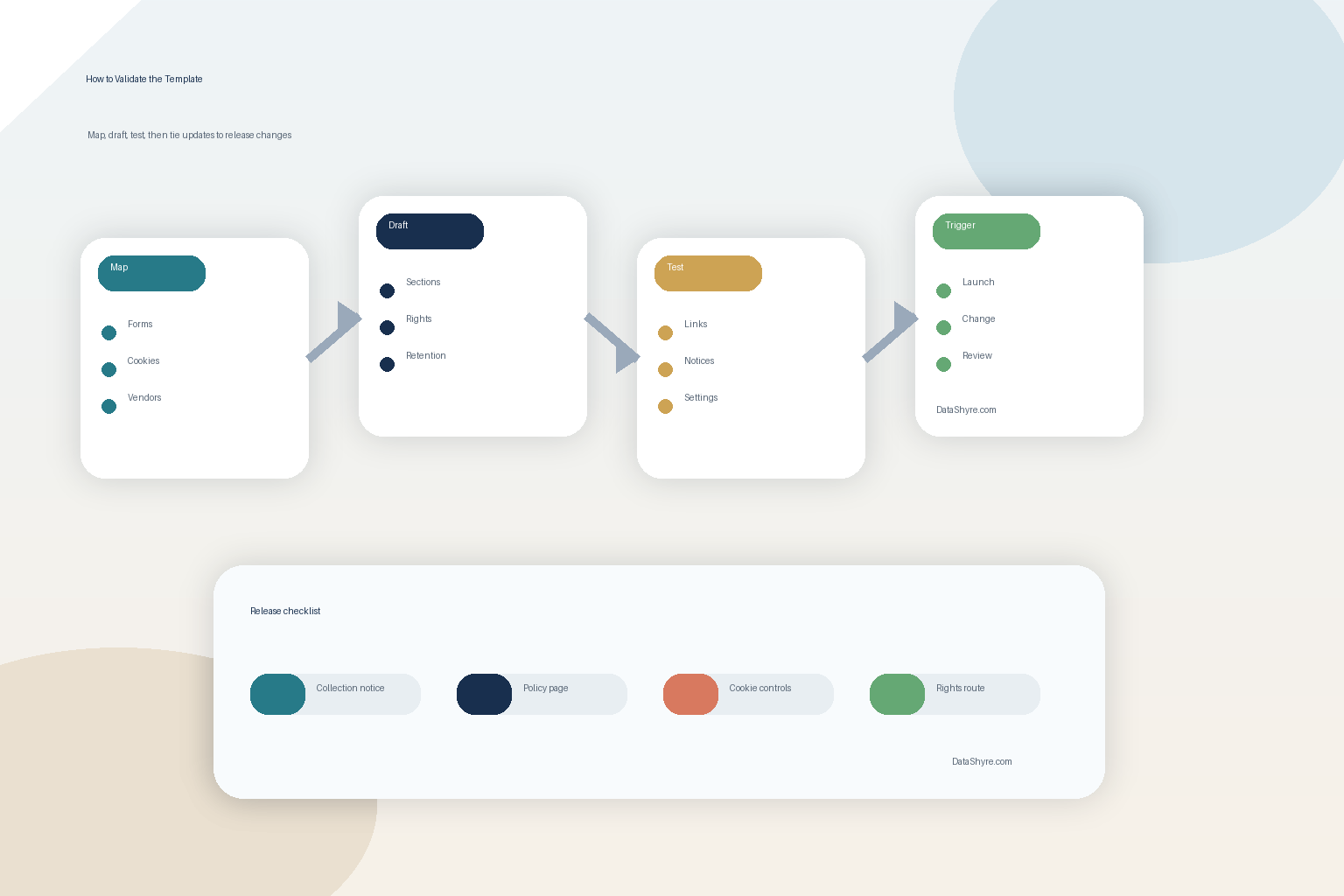
- map the live collection points and vendors first;
- fill the core sections for collection, purposes, recipients, retention, rights, and contacts;
- add a clear branch for cookies, pixels, and embedded tools;
- compare the page against forms, tags, plugins, and app flows that are actually live;
- test the rights and opt-out paths described in the policy;
- make sure collection-point notices link cleanly into the fuller page; and
- tie future stack changes to a required policy review.
That order gives you a much better outcome than polishing legal language before anyone has checked the site.
FAQ
Is a website privacy policy template enough on its own?
No. A website privacy policy template is only the disclosure layer. It does not replace consent controls, vendor governance, rights handling, or internal data-mapping work.
Can I use one template for every website I manage?
Not safely. Different sites collect different data, use different vendors, and operate in different jurisdictions. The structure can be reused, but the content still has to match the live environment.
Do WordPress privacy-policy suggestions solve the problem?
Not by themselves. WordPress can help gather starter text from core, themes, and plugins, but someone still has to check whether those suggestions match the actual setup and the business’s current practices.
Bottom line
The best website privacy policy template in 2026 is not the one with the most clauses.
It is the one that matches the real collection points, explains tracking and vendor sharing honestly, gives people usable rights paths, and gets updated before product changes make it false.
If your current page cannot do that, the real problem is not the template.
Seen clearly, website privacy policy template is less about a pop-up and more about whether the site behaves honestly after the visitor makes a choice.
Sources
- California Department of Justice, California Consumer Privacy Act FAQ: https://oag.ca.gov/privacy/ccpa
- EUR-Lex, Regulation (EU) 2016/679, including Articles 12 to 14: https://eur-lex.europa.eu/legal-content/EN/ALL/?uri=CELEX:32016R0679
- ICO, How should we draft our privacy information?: https://ico.org.uk/for-organisations/uk-gdpr-guidance-and-resources/individual-rights/the-right-to-be-informed/how-should-we-draft-our-privacy-information/
- ICO, What privacy information should we provide?: https://ico.org.uk/for-organisations/uk-gdpr-guidance-and-resources/individual-rights/the-right-to-be-informed/what-privacy-information-should-we-provide/
- WordPress.org, WordPress Privacy: https://wordpress.org/documentation/article/wordpress-privacy/
- WordPress.org, Settings Privacy screen: https://wordpress.org/documentation/article/settings-privacy-screen/
- California Attorney General, Lyft settlement announcement, October 29, 2026: https://oag.ca.gov/node/632063